

The security policy of our certificate management tool is configured to control the number of attempts a user can use to login.
Therefore, if you do not remember your password, the user can be blocked.
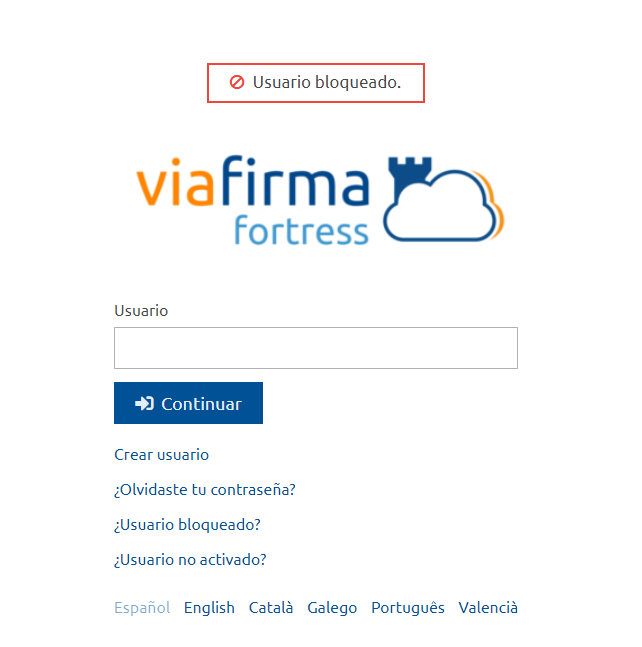
How can I unlock my user?
Through the Locked User? link, the user can be unlocked by following the following steps:
1 – We indicate the user to unlock
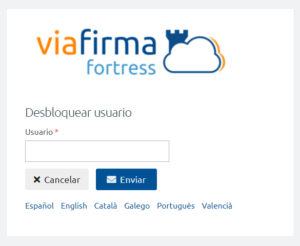
2 – If the data is correct the tool will send an email to the account indicated.
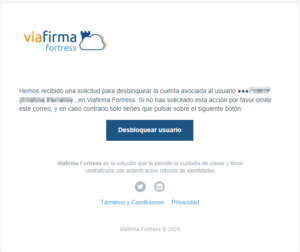
Once unlocked it will take you back to the login screen and you can try again to access the tool.
What can I do if I don’t remember my password?
If you don’t remember your password you can use the option Forgot your password? and follow the steps so the tool will guide you.