

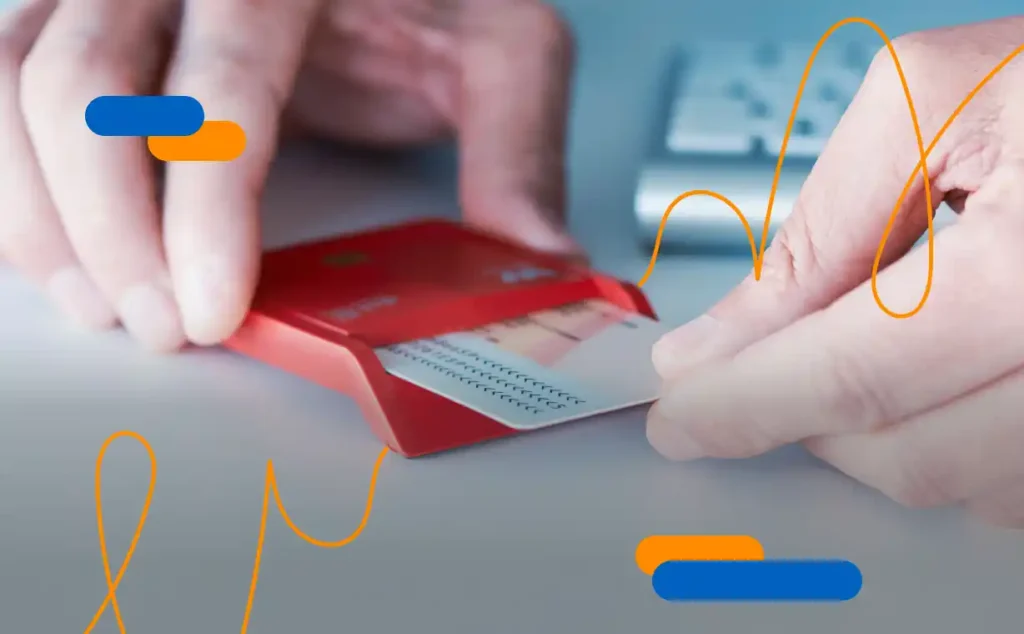
When we carry out any type of online procedure, we are most likely to be given the choice between three options:
- The electronic certificate
- The Cl@ve PIN system
- The electronic ID card, also known as DNIe
Although all three are useful, the electronic ID card has a special feature that sets it apart from the other two: it can also be used to submit or sign documents when travelling within the European Union. For this reason, if we have to choose between one option or another, it may be the most convenient one to use. To do so, we must successfully activate the electronic ID card, although we must first obtain it.
Steps to obtain your ID card quickly
Obtaining your ID card electronically is relatively simple, but it requires you to go in person to have your biometric data taken. Here are the steps you need to follow:
Make an appointment
To do this, call the designated telephone number (060) or go to the website where you can make an appointment for your ID card directly. Select the office, date and time slot you prefer.
Provide the necessary documentation
On the day of your appointment, you must go to the selected office with the following information:
- A recent passport-size colour photograph in which you are clearly visible
- The ID card you wish to renew, or a copy of the report of its theft or loss
- Your certificate of residence, if you no longer live at the address on your previous ID card
- The corresponding fees (if you are renewing your ID card due to a change of address, you will not have to pay any fees, although the expiry date will be the same as on your previous ID card). Payment can be made in cash or by electronic payment.
How to activate the electronic ID card in 2026?
With previous versions of the ID card, once the application and/or renewal process was complete, you were given an envelope containing the PIN. At home, with the digital certificates active, you could then activate the electronic ID card. To do this, we used a computer and a card reader that complied with the ISO 7816 standard. After a couple of quick checks on the electronic ID card website, we selected a validation link from those offered alongside the ID card PIN. Everything would then be in order, ready to start using it for online procedures.
Now, with DNI 4.0, the process has been simplified by eliminating the old paper envelope. The crucial step takes place at the issuing office: after receiving your card, you must go to the Update Point (PAD). There, using your fingerprint, you can set your PIN and confirm your phone number to link it to the system.
Once at home, you no longer need an external card reader. Thanks to your smartphone’s NFC technology, the process is as follows:
- Download the official app (MiDNI)
- Contact reading: Open the app and place your physical ID card on the back of your phone. The chip will be read wirelessly.
- Enter the access code, which will be the PIN you set up at the office.
- Verification by SMS using the code received
After completing the SMS verification, you will have activated the electronic ID card on your mobile phone and it will be fully operational for signing any legally valid document.
MiDNI, what is it and how do you activate it?
Although using the electronic ID card on a computer has always been the norm, over time the Public Administration has incorporated new features related to this and other means of identification.
For example, since last year, it has been possible to use the digital ID card on your mobile phone as a complement to the physical document, using the app created for this purpose: MiDNI, which is free of charge. In order to use it without any problems, you must have a valid ID card, active electronic certificates and a mobile phone. This adds to the set of applications designed to facilitate the digitisation of essential personal documents, as is already the case with driving licences.
It is important to mention that digital ID cards and electronic ID cards are not the same thing. Electronic ID cards contain two digital certificates: one for authenticating the identity of the signatory and another for signing documents and completing procedures. In other words, the electronic ID card is the chip; it allows you to ‘sign’ a PDF, authenticate yourself in online processes or log in to the tax office website, for example. It requires active certificates.
The digital ID card, on the other hand, is the virtual representation of the card, i.e. the image or app. It is what we show to a police officer or at a hotel.
The next step is the digital certificate manager
Having and activating an electronic ID card in today’s society is essential for carrying out online procedures from anywhere and at any time. However, for those seeking extra security, especially in the professional sphere, digital certificates are an exceptional tool. Furthermore, relying on installations on certain devices can be a technical barrier, hence the importance of having a good digital certificate manager.
Viafirma’s digital certificate manager allows you to:
- Centralisation in the cloud. Digital certificates are securely stored in the cloud (HSM) and can be accessed from anywhere.
- Total control. Manage who uses a digital certificate, when and for what purpose. You can control access and use by establishing usage policies.
- Sign from any device. It can be easily integrated into other tools and platforms, allowing you to sign on any device, beyond just your mobile phone.
Interested in learning more? Request information from our sales team. They will provide you with the information you need and quickly answer your questions. The shift to digital transformation is happening today.
Related information

How to sign documents with the eID Card (DNIe)
We tell you how to sign documents with the electronic ID Card and the type of signature you get when...

ID 4.0
We explain what the ID 4.0, also known as the European ID, is and all the new features it includes

How to get a digital certificate?
We tell you how to get the digital certificate and how to check its validity. We also explain all its...