

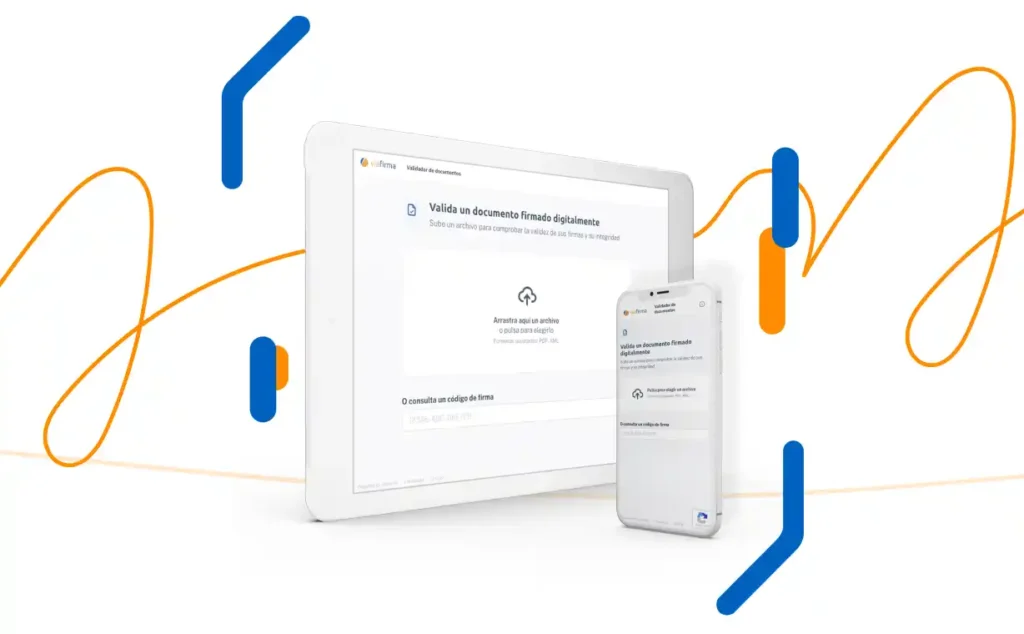
When we sign a document electronically, we are likely to have several questions about the process, two of which are quite common. The first is: is the document signed electronically? And secondly: if so, is the signature valid?
We can tell you in advance that, in order to validate electronic documents professionally, the document must be verified by a recognised validation service. However, to address these concerns, we have put together a short guide by way of explanation. Our aim is to help you understand the process and resolve any doubts you may have, so that the task of signing is as simple as possible.
How do I know that the document is electronically signed?
First, we explain how to validate whether a document is signed correctly when Adobe PDF natively identifies and validates signature certificates.
In this regard, many users/signatories think that if ‘Signed by: XXXXXX’ appears graphically on the document, the document is correctly signed. However, that graphic representation of the signature is just that: a graphic representation, and it could be modified with a graphic document editor.
As we have mentioned, the most common and widely used tool for validating electronic documents is the Adobe PDF viewer. If we use this tool and a valid digital certificate, within a few seconds of opening the signed document, the following header will appear:

If, on the other hand, the digital certificate used to sign the document has been revoked or has expired, the message will be as follows:

Verifying signatures and technical evidence in Adobe
To view the signer’s details, go to the Adobe PDF ‘signature panel’, where all the signatures on that document will be displayed.
It should be noted that in cases where a digital certificate is not used for the signature (for example, a method such as OTP-SMS is used), the signature software must use its own certificate to seal the document. When validating electronic documents in these cases, what we are validating is the seal that guarantees the integrity of the evidence of the process, such as the code sent to the mobile phone and the user’s response.
Regardless of whether a digital certificate or OTP-SMS is used as the signature method, digital certificates are always used to sign such evidence within the documents and, in this sense, they must be validated.
Services for validation of electronic documents
In addition to Adobe, governments and their regulators often make digital certificate issuing services and platforms for validating electronic documents available to the general public. In order to validate a document, it must be uploaded to the service used, which will then provide a document containing the following information:
- That the document is complete and has not been modified since it was signed.
- That the certificate (or certificates) with which it was signed is qualified and has not expired or been revoked.
- It also reports on the signature format and the existence of a Qualified Time Stamp.
Recommended examples for signature validation
There are various official bodies and specialised tools that will make easier the validation of electronic documents. Below, we list some of the most reliable examples according to your location or needs:
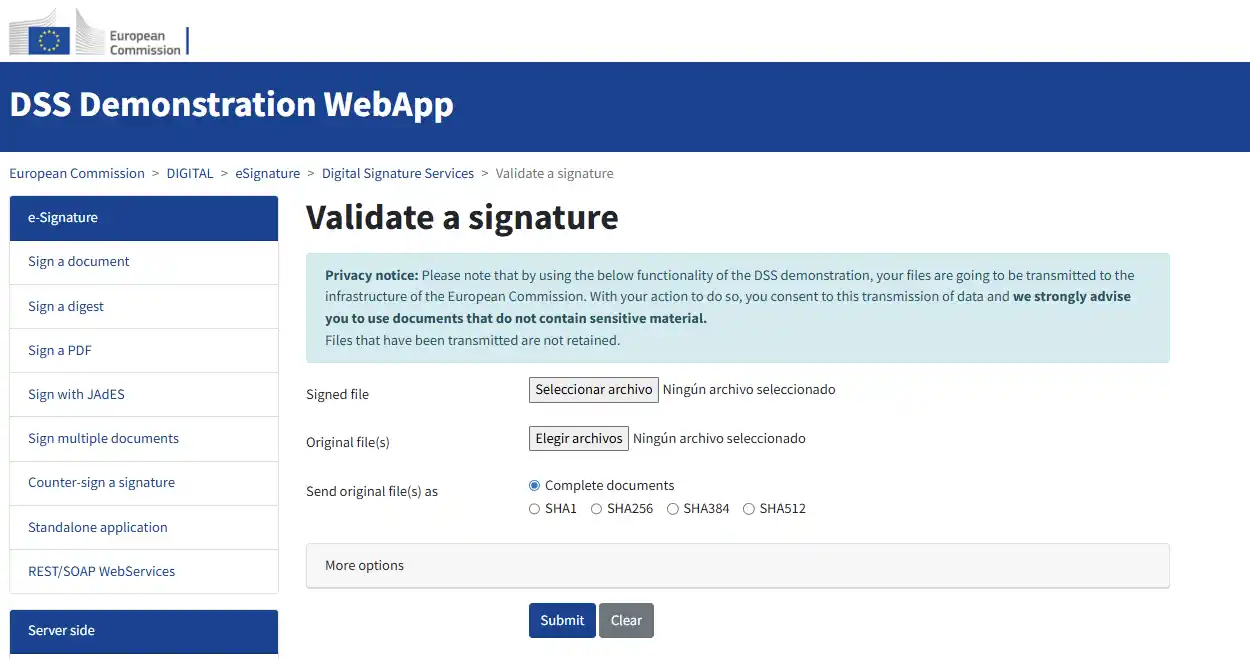
- Europe (eIDAS): The European Commission offers a Trusted Services Demonstration Tool (DSS), designed to validate electronic documents under the European standard, the eIDAS Regulation.
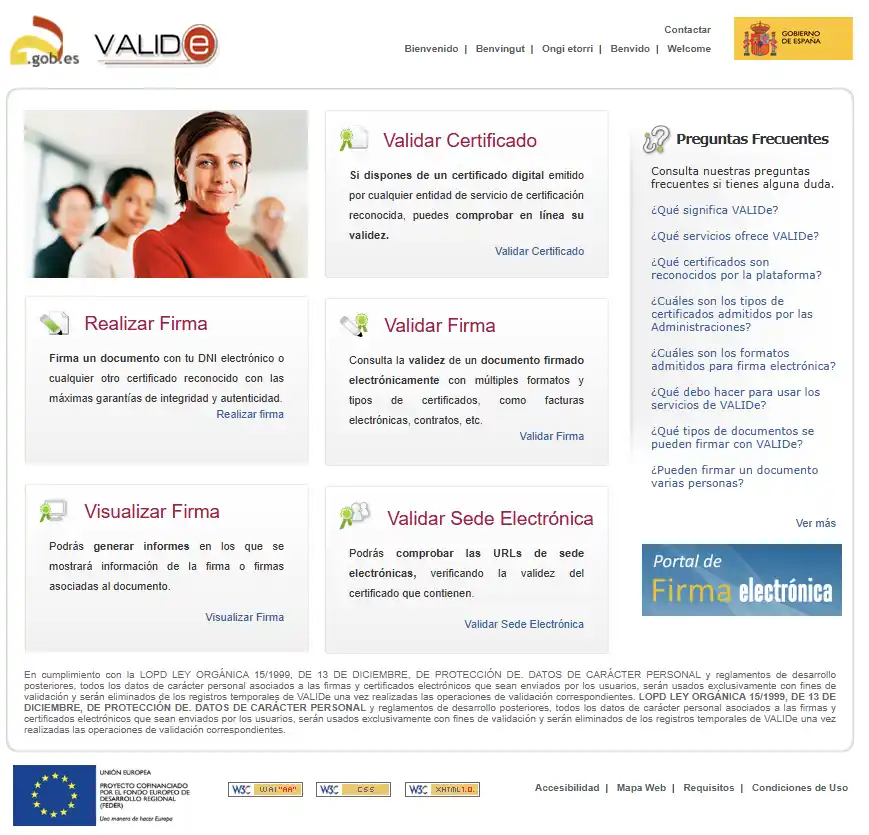
- Spain (VALIDe): The SARA – VALIDe platform allows for the official and centralised validation of documents and certificates.
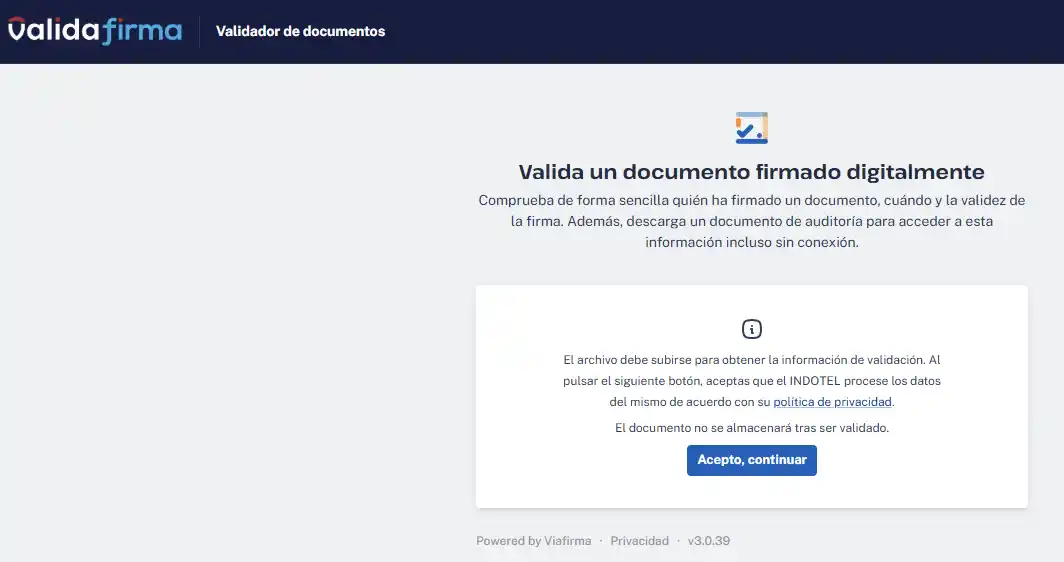
- Dominican Republic (Indotel): In the Dominican Republic, the ValidaFirma portal is the reference service, provided by the Dominican Telecommunications Institute.
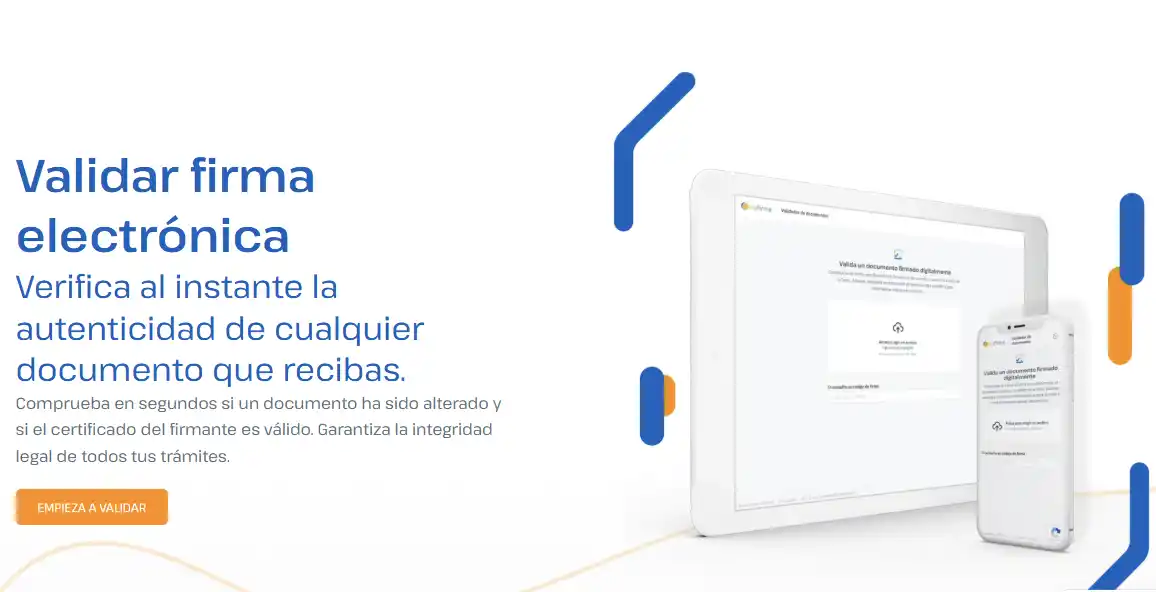
- Viafirma: At Viafirma, we have made a validator available to any user who needs it, which can be used regardless of location. It is an intuitive tool that guarantees high accuracy in the analysis of your documents.
Would you like to see how your documents will look once signed?
With Viafirma, signing your documents electronically will be easier than ever. We offer different digital solutions so you can choose the one that best suits your needs and manage all your documentation in one simple step. Whatever sector you work in, there is one for you. Interested in finding out more? Contact us to try out all the features of our digital solutions, free of charge, for one month.
Related information

What is the SVC (Secure Verification Code)?
Verification of electronic documents with CSV

What is an evidentiary document?
What is an evidentiary document? In this article we will see what it consists of, what information it contains and...

What happens if the digital certificate has expired?
What happens if your digital certificate has expired?